This function enables you to create Macros from a cell of the budget sheet.
Macros only apply to the cell from which they were created. The budget sheet designer is not modified.
Info
If the calculation formula applies to all the amounts of the budget code, whatever their dates, modify the budget sheet designer to assign the macro to the budget code.
For more information on setting up the budget sheet designer, see topic Budget Sheet Designers.
- From the budget sheet, select an editable cell that contains neither an entered amount, nor a calculated amount.
- In the header of the budget entry page, click FX.
The creation page for budget entries is displayed.
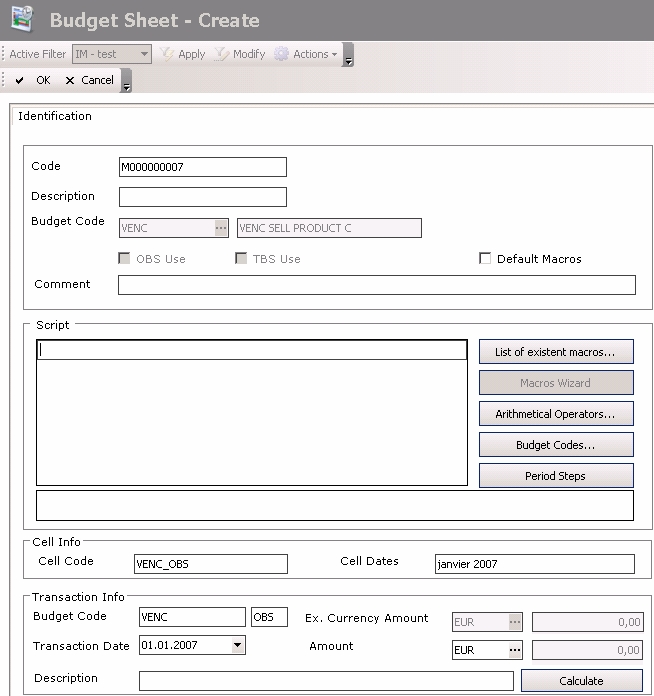
This page is practically the same as the setup page of macros for other budget codes.
It also displays identification information for the cell at the bottom of the page:
- Identifier and period covered by the cell
- Budget code, type of budget sheet, transaction date, currencies and amounts, transaction description
The Calculate button enables the calculation of the cell amount.
See topic Macros for more information on creating macros.


